Subtitle generator
Upload the video you made. A speech model writes down what is said and times every line, and you download a subtitle file that YouTube and every editor can open.
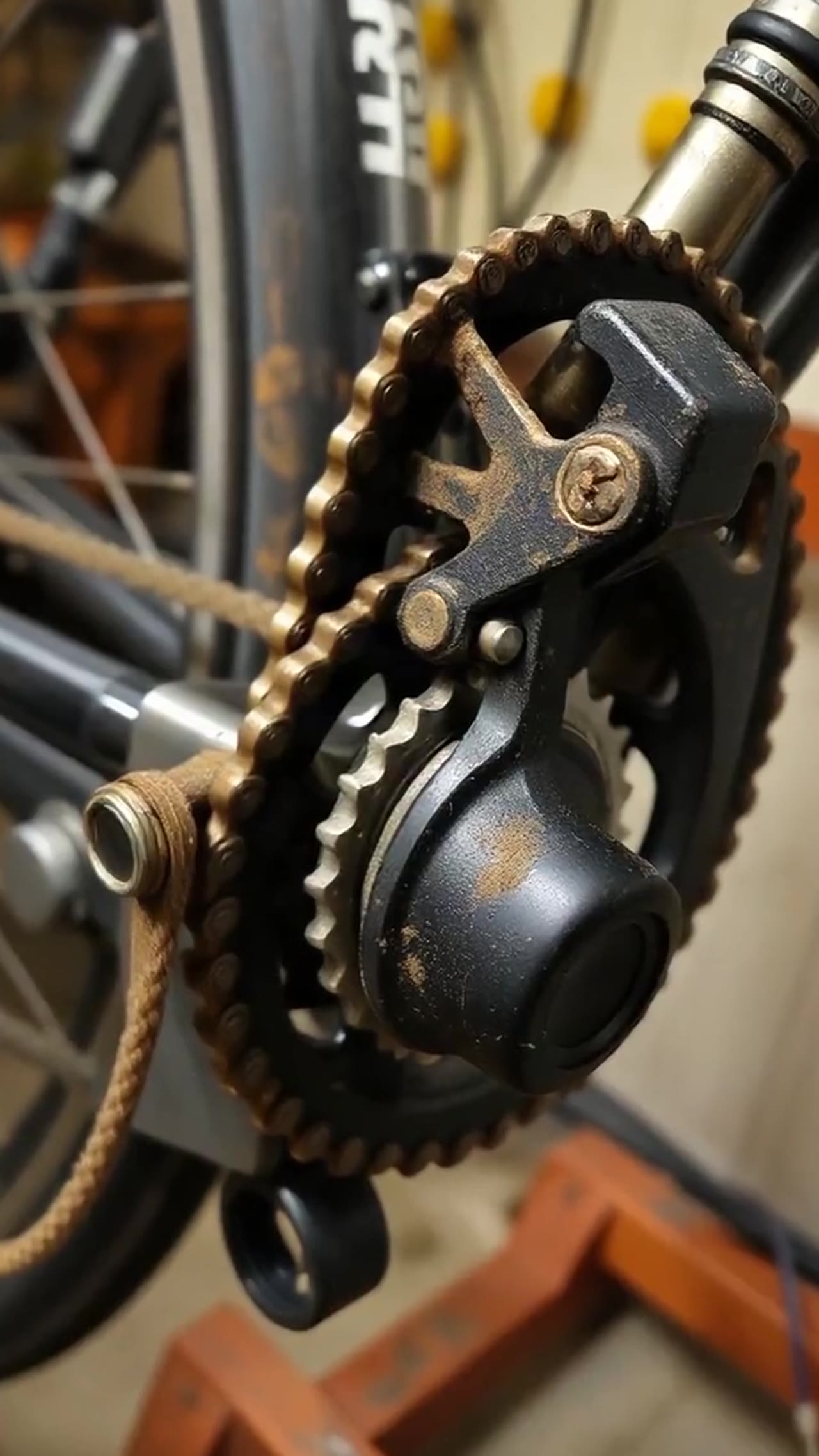
A real run, word for word
We made this clip ourselves (voice by Kokoro, pictures by FLUX) so it can be published here and every word checked. It was not taken from any platform.
0:00A dirty chain makes every ride slower and louder.
0:03Here is how to clean one in about a minute with nothing more than a rag and some degreaser.
0:08Shift into the smallest gear at the back.
0:11Spray a little degreaser on the rag not on the bike and hold it around the lower part of the chain.
0:17Turn the pedals backwards 10 or 15 times.
0:20Move to a clean part of the rag and repeat until it stops coming away black.
0:25Finish with one small drop of chain oil on each link, spin the petals and wipe off the extra.
0:31Too much oil just collects new dirt.
Checked against the script that was spoken: 1 of 107 words differ.
2 numbers were written as digits (“ten” → “10”); that is formatting, not counted.
Where it differs
- said “pedals” → written “petals”
Written down by whisper-large-v3 on fal, 2026-11-03. The live tool runs whisper-large-v3-turbo on Groq; this sample was recorded before launch with Whisper large v3, the larger model of the same family.
How do you generate subtitles for a video?
Upload the video above and wait for the transcript. Whisper large v3 turbo writes the speech down in segments, each with a start and end time, and those segments become the cues of the subtitle file: download .srt for most editors and for YouTube, or .vtt for web players. The file is plain text, so you can fix a word in any text editor before you upload it. Up to 3 minutes is free three times a day; longer videos, up to 10 minutes, are 3 credits a minute.
- Files out
- SRT (SubRip), WebVTT
- Cues
- One per spoken segment
- Opens in
- YouTube, CapCut, Premiere, Resolve
- Free
- 3 a day, up to 3 min
Adding the subtitles to YouTube
Download the .srt
After the transcript appears, press SRT. Open it in any text editor if a name or a word needs fixing; keep the numbers and time lines as they are.
Open Subtitles in YouTube Studio
Choose the video, add the language, and under Subtitles pick Add, then Upload file.
Choose "With timing"
The file already carries its times, so pick With timing and select the .srt. Preview a few lines against the video, then publish.
What the file is, and what it is not
Timed from the speech
Each cue starts and ends where the model heard that stretch of speech. Most land within a moment of the voice; nudge a cue in your editor if one starts early.
Not burned in
This is a separate subtitle file, which viewers can switch on and off. For big captions burned into the picture of a Short, the YouTube automation studio renders them into videos made there; how to add subtitles to Shorts explains both kinds.
Not translated
The subtitles are in the language that is spoken. Translating them is not offered yet.
Your own videos
Upload videos you made or have the right to use. For a YouTube video that already has captions, the YouTube transcript page reads them for free.
Subtitle questions
Is the subtitle generator free?
Three videos a day of up to 3 minutes each are free without an account, SRT and VTT included. Longer videos, up to 10 minutes, cost 3 credits a minute after you sign in. Failed runs are not charged.
SRT or VTT: which do I need?
SRT for YouTube, CapCut, Premiere Pro, DaVinci Resolve and most players. VTT for an HTML5 video player on a website. Both carry the same text and times.
How long is each subtitle line?
As long as the segment the model returned, which is usually one sentence or a phrase. A long sentence becomes a long cue; split it in your editor if it covers the picture.
Can I edit the subtitles?
Yes. An SRT is a plain text file: a number, a time line and the words, for every cue. Change the words in any text editor, or edit cues in your video editor after importing.
Does it work for TikTok or Reels?
TikTok and Instagram make their own captions inside their apps and do not take an SRT upload. Use the file in CapCut or another editor to add captions before you post.
Make a subtitle file
Upload your video. Three a day are free.
More tools
Explore each tool’s instructions, output limits and available recorded examples.