TikTok transitions: three easy ones
A transition is how one shot becomes the next. Below are three easy ones that need no effects, each generated from a first frame and a last frame so you can see the move itself, with prompts and notes on which the model handled and which it fudged.
- 3 transitions
- Filmed in the camera
- AI demo with prompts
Three transitions between two frames
Each clip was given the frame it starts on and the frame it must end on.
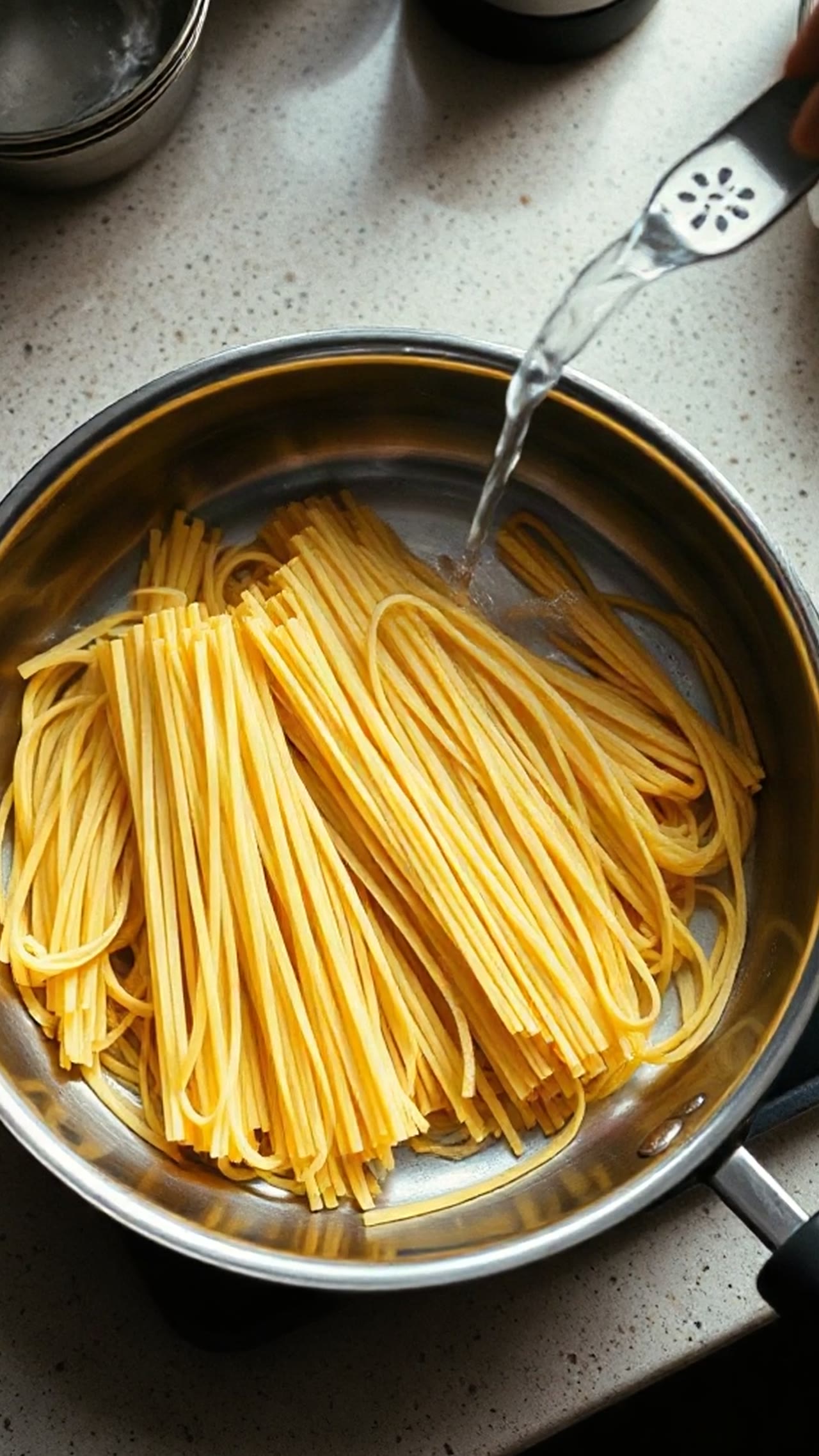
Hand cover
The hand covers the lens, the frame goes dark, and it lifts on the second scene. The cleanest of the three; the dark part lasts about two seconds, longer than a filmed version would hold it.
Prompt
A hand moves in and covers the lens completely, the frame goes dark for a moment, then the hand lifts away to reveal the plate of pancakes. No on-screen text, no logos, no watermark.
Vivix W1 fast · First frame and last frame · 5 s · 720×1264
Push-in through a screen
The camera moves into the laptop screen, the glow fills the frame, and the skyline fades in, as asked. The screen shows lines that look like text, which the first frame did not have.
Prompt
The camera pushes forward into the bright laptop screen until its glow fills the frame, then the glow fades to reveal the city skyline at dusk. No on-screen text, no logos, no watermark.
Vivix W1 fast · First frame and last frame · 5 s · 720×1264
Whip pan
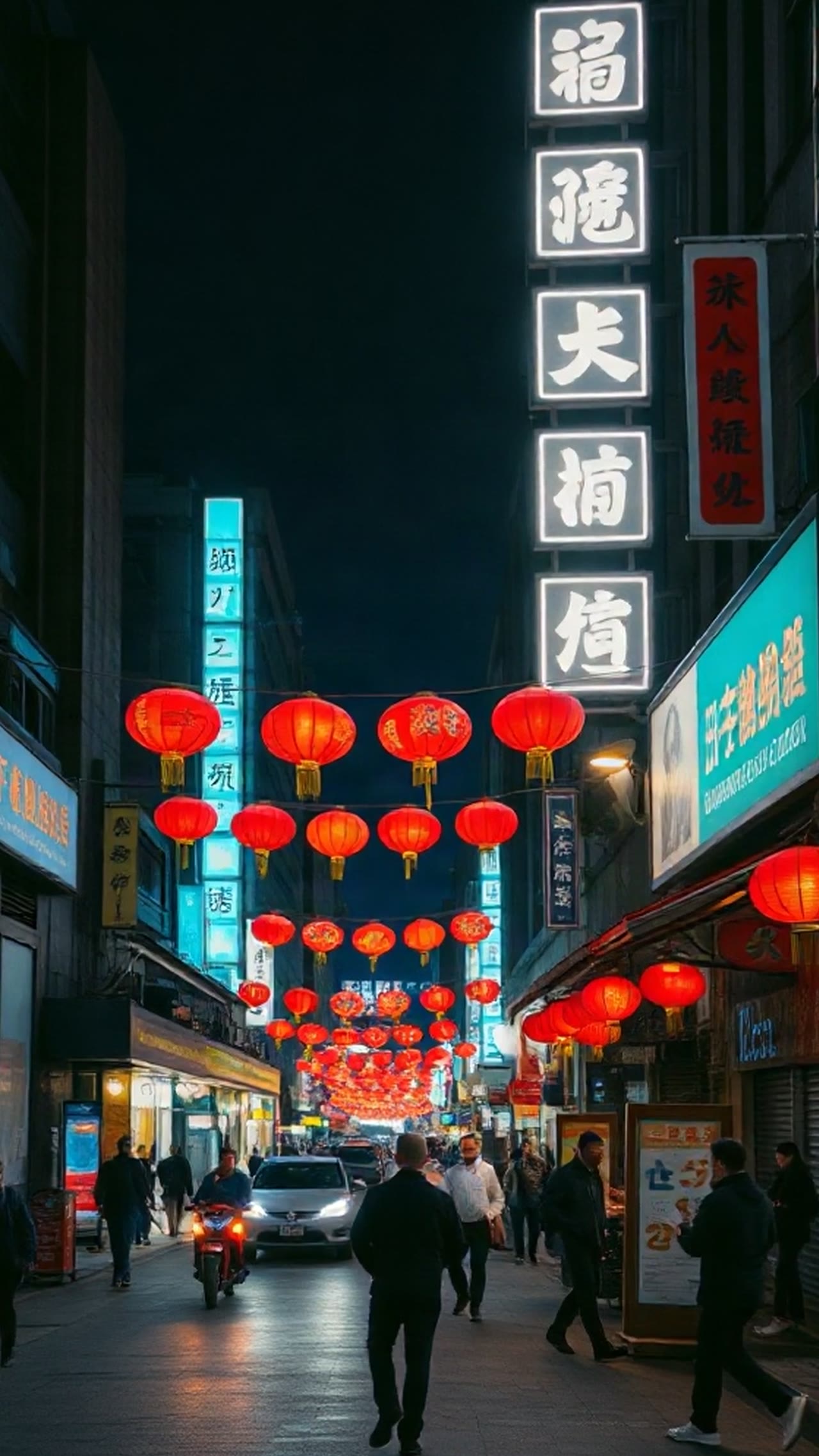
Only partly a whip pan. The camera whips right with blur, but lands on another view of the same street and then cuts to the workbench at the very end, instead of the blur carrying straight into the second scene.
Prompt
A fast whip pan to the right with strong motion blur carries the view from the street to the workbench. No on-screen text, no logos, no watermark.
Vivix W1 fast · First frame and last frame · 5 s · 720×1264
Recorded on 10–11 November 2026 with Vivix W1 fast through its API, at 9:16 and 720×1264. Each clip is the first result of its prompt. They are shown without sound. ClipScript does not sell this model; the people and objects in the clips are generated, not real.
How do you do transitions on TikTok?
Film two shots and hide the cut in a moment when the frame cannot be read. Three easy ways need no effects. The hand cover: a palm over the lens hides the cut. The whip pan: swing the camera fast at the end of one shot and the start of the next, and cut inside the blur. The push-in: move into something bright or dark until it fills the frame, and start the next shot the same way.
- Hand cover
- Cut on the dark frame
- Whip pan
- Cut inside the motion blur
- Push-in
- Cut on a frame of one colour
How to do the hand cover transition
The easiest of the three, and the one to learn first.
Fix the phone
Lean it on something or use a tripod. If the phone moves between the two shots, the change stops looking like magic and starts looking like a cut.
Film the before and cover the lens
Record the first state for two or three seconds, then move your palm straight at the lens until the picture is fully dark. Stop recording.
Change the scene, then start covered
Change the outfit, the room or the object. Put your palm back on the lens, start recording, and pull the hand away at the same speed you brought it in.
Cut on the dark frames
Trim the first shot to end fully dark and the second to start fully dark, and join them. Keep the dark part under half a second.
How to film a whip pan
The one the model fudged is easy by hand.
End shot one with a swing
Hold your subject for a second, then swing the phone hard to the right and keep recording through the swing.
Start shot two with the same swing
In the new place, start recording while already swinging in the same direction and settle on the new subject.
Cut blur to blur
Trim shot one to end mid-swing and shot two to start mid-swing. Same direction, same speed, and the join disappears.
Choosing one
Hand cover for a reveal
Before and after in the same spot: empty box to wrapped gift, bare wall to hung shelf. Keep the framing and the hand speed the same in both halves.
Whip pan for a change of place
It suggests travel. Use it between locations, not between two views of one room.
Push-in for a change of subject
Into a screen, a doorway, a dark coat. Good when the next shot has nothing to do with the last.
One per video
A transition is punctuation. Three in ten seconds is a demo reel, not a video about anything.
Your own sound
Transitions are often cut to a sound. Check that a sound is cleared for your kind of account before using it; none is provided here.
TikTok transition questions
Do I need an app with transition effects?
Not for these three. They are filmed in the camera and joined with a plain cut, which TikTok's own editor can do.
Why did the AI whip pan fail?
The model treated the blur as a camera move inside the first scene and jumped to the last frame only at the end. In these examples, supplying a first and last frame helped define the starting and ending images; the transition between them was less controllable.
Which transition is easiest to generate?
In our three runs, the hand cover: a hand entering and leaving is a simple action that hides the change of scene by itself.
Is the hand cover a current trend?
The technique is old. On 2 November 2026 Social Expert listed it as a TikTok format it calls Cover Then Come Back; we found no second source that uses that name and have not counted videos.
Can I generate a transition on ClipScript?
No. The clips on this page were recorded with Vivix W1 fast, a model ClipScript does not sell. What ClipScript does for this format: the TikTok transcript of a video you are studying, and a free voiceover script from your topic on the TikTok script generator.
More tools
Explore each tool’s instructions, output limits and available recorded examples.